
Added
Git Repository Sync — your pipelines in your own repository
September 17th, 2026
Release 12.1 lets a tenant store its pipeline definitions and Python scripts in a git repository it owns — GitHub, GitLab, Azure DevOps or Bitbucket — instead of inside the platform. You keep building pipelines in the AI Lab exactly as before; every save becomes a commit, so history, diffs, review and rollback come from the tooling your team already has.
What's new
- Attach a repository from Settings → Git Repository — provide the SSH URL, register the public key Wizata generates for you (you never paste a private key), and enable git once the connection shows
connected. Wizata seeds an empty repository, or adopts one that already has pipelines. - Plain files — one
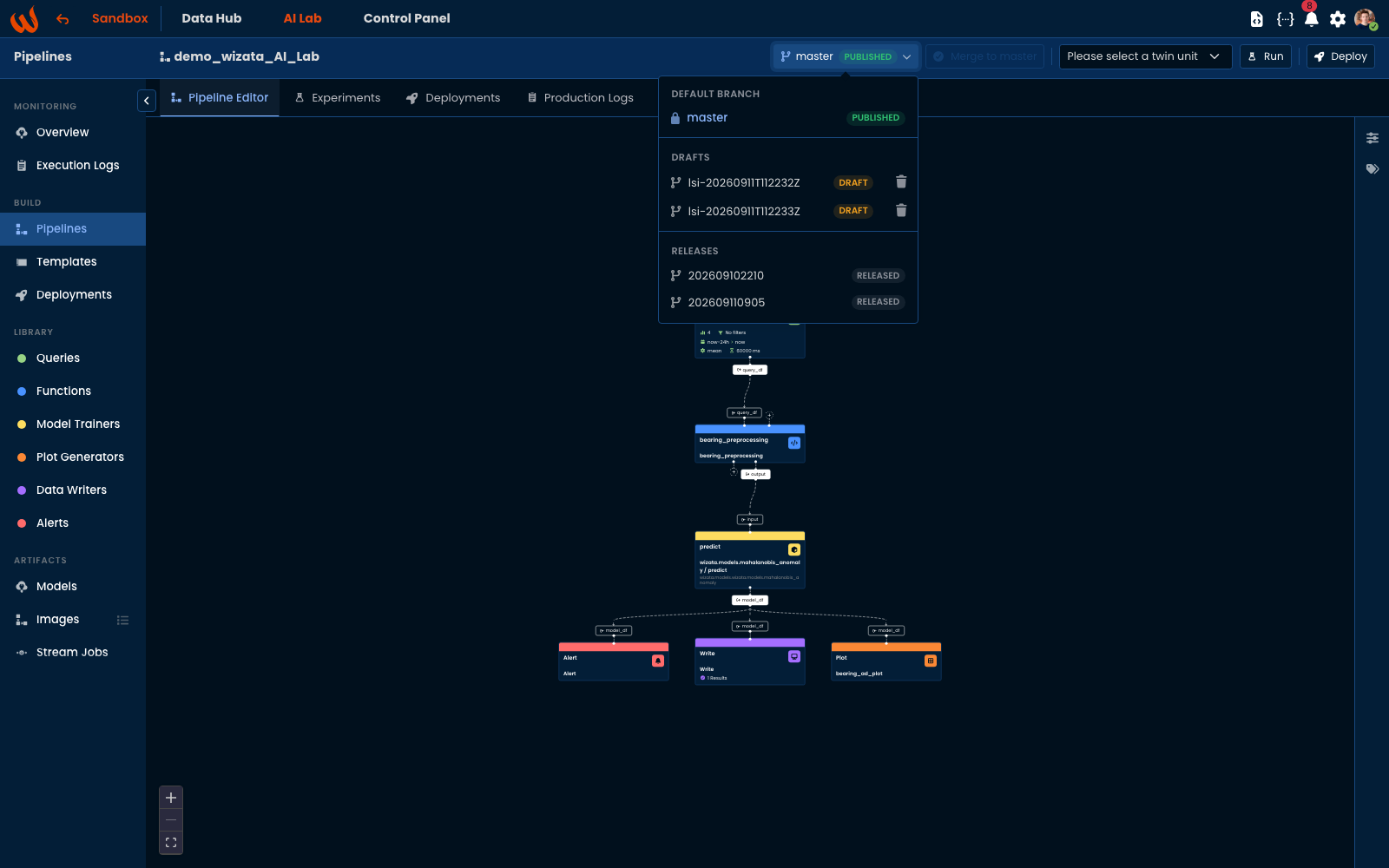
pipelines/<key>.jsonper pipeline and onescripts/<name>.pyper Python script, readable and reviewable by anyone on your team. - Drafts, published version and releases mapped onto branches — a draft is a
feature/<key>/…branch, the published version lives on the default branch, and every deployment runs from a frozenrelease/…branch. See Drafts and publishing. - Two-way — commits made directly in the repository (an editor, a migration, CI) are picked up by the platform within minutes; conflicts are preserved on a dedicated ref rather than resolved by picking a winner.
- Provider-aware setup — the platform tells you where the key belongs for your provider, including the Azure DevOps and Bitbucket cases where the obvious place is the wrong one.
Git Repository Sync is available on demand for Professional and Enterprise plans — it comes with dedicated storage and is activated per environment by Wizata. Learn more about Licensing.
Learn more
Git integration · Connect a git repository · Provider setup and requirements · How Wizata uses branches