
Added
Drafts, Publishing & the new Deployment wizard
September 17th, 2026
A pipeline that runs in production is a pipeline you cannot freely experiment on. Release 12.1 separates what you edit from what runs: with a git repository connected, editing the published pipeline opens a draft, and deploying always runs from a frozen release. The pipeline header gained a version selector and a single action bar — version, run and deploy in one place.
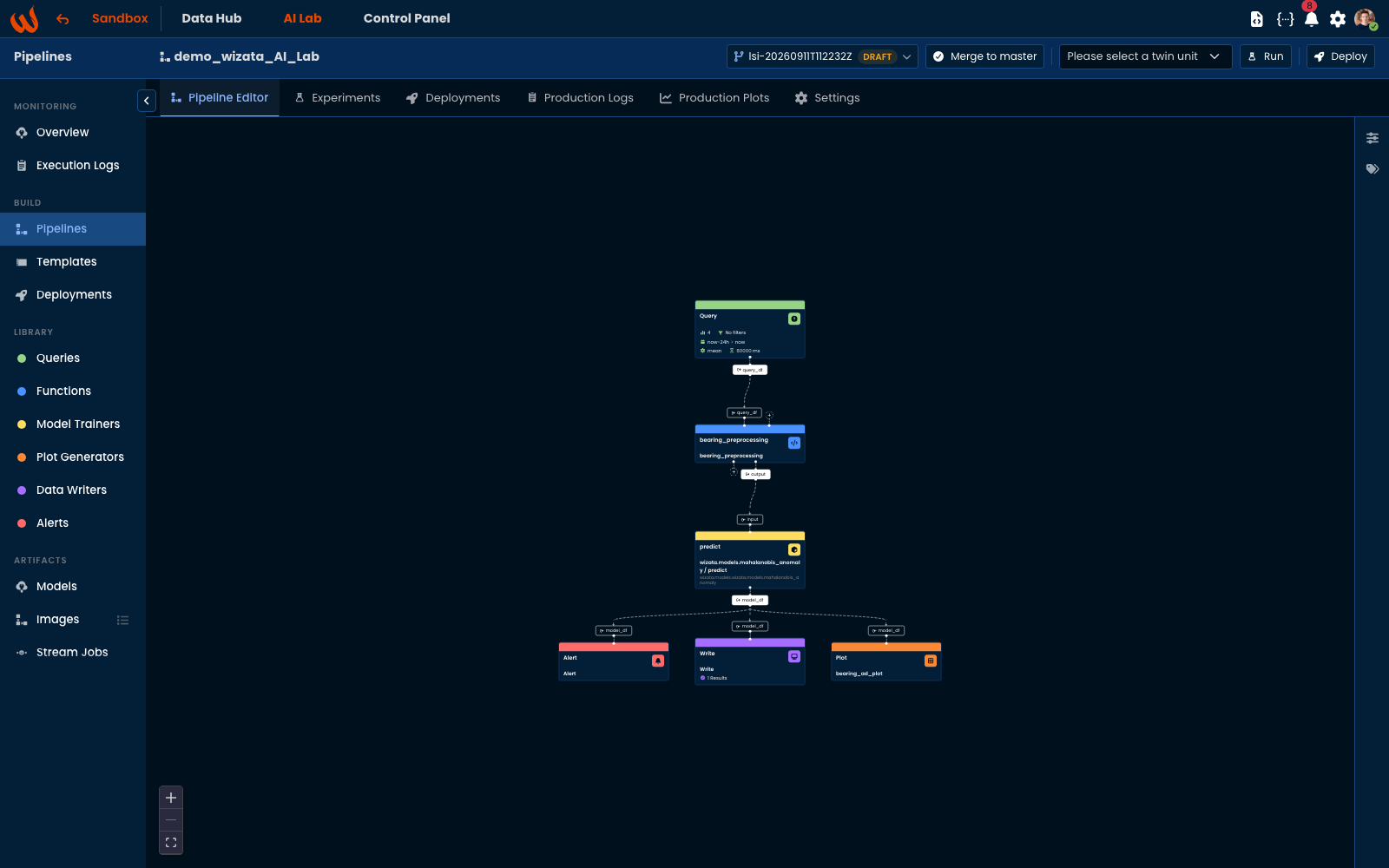
Drafts and publishing
- Editing opens a draft for you — named after you and the moment you started; the published version keeps running, schedules are unaffected.
- Each save is a commit on the draft; switch between versions from the selector at any time.
- Merge to master publishes the draft and deletes it. Concurrent changes are merged; a genuine conflict stops the publish and says so.
- Run against any version — an experiment executes whatever version is selected in the header, drafts included, with their scripts as they stand on that draft.
The Deployment wizard
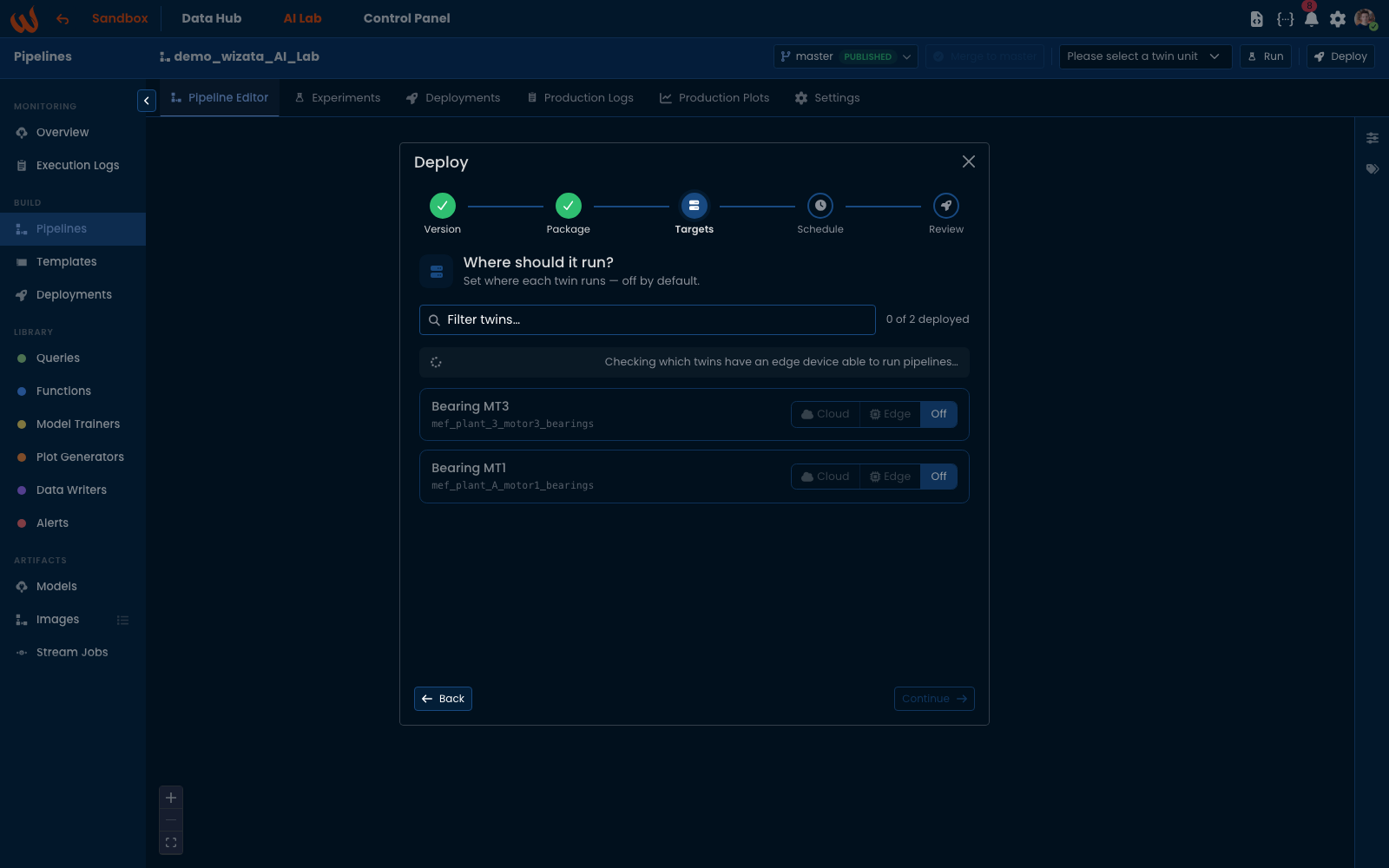
- Version → Package → Targets → Schedule → Review — one guided flow from a pipeline to a running schedule.
- A release is cut for you — a frozen label on the exact version deployed, so a schedule that has run for months still runs the code it was given. A release cannot be discarded while a deployment or trigger uses it.
- Per-twin targets — for each twin: not deployed, cloud, or a specific edge device; the wizard only offers edge where a device can run pipelines.
- Deployments you can revisit — edit a schedule in place, pause, resume and retry from the Deployments list, and retarget between cloud and edge.
- Plots, training and writes per deployment — choose what a production run does; live plots are kept per twin and shown in the new Production Plots tab.